

Maybe you order the same drink every time, maybe you like to switch it up. Enjoy your drink when, where and how you want with the Caribou Coffee® app.
Convenience at your fingertips

Easy to order
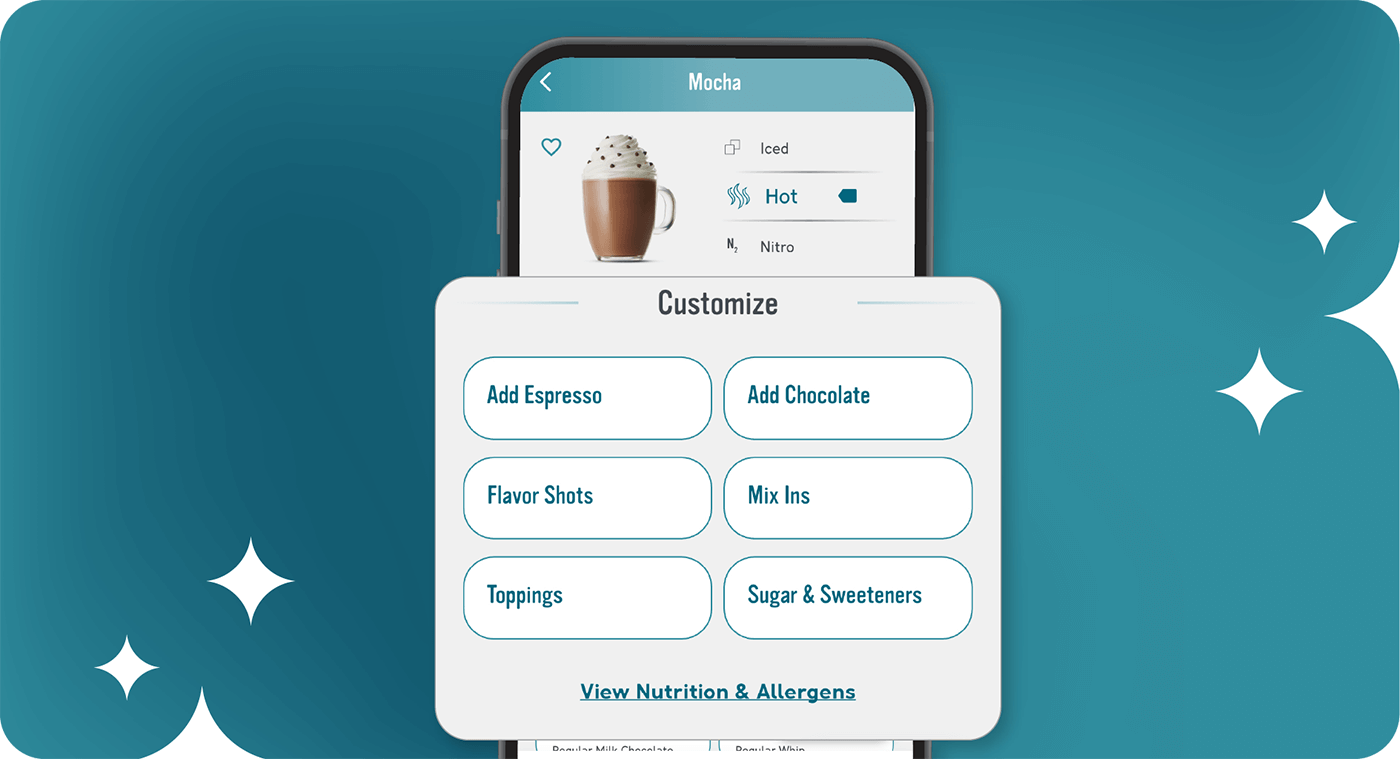
Know exactly what you want? That’s cool (or hot, your call). Customize and make it yours.
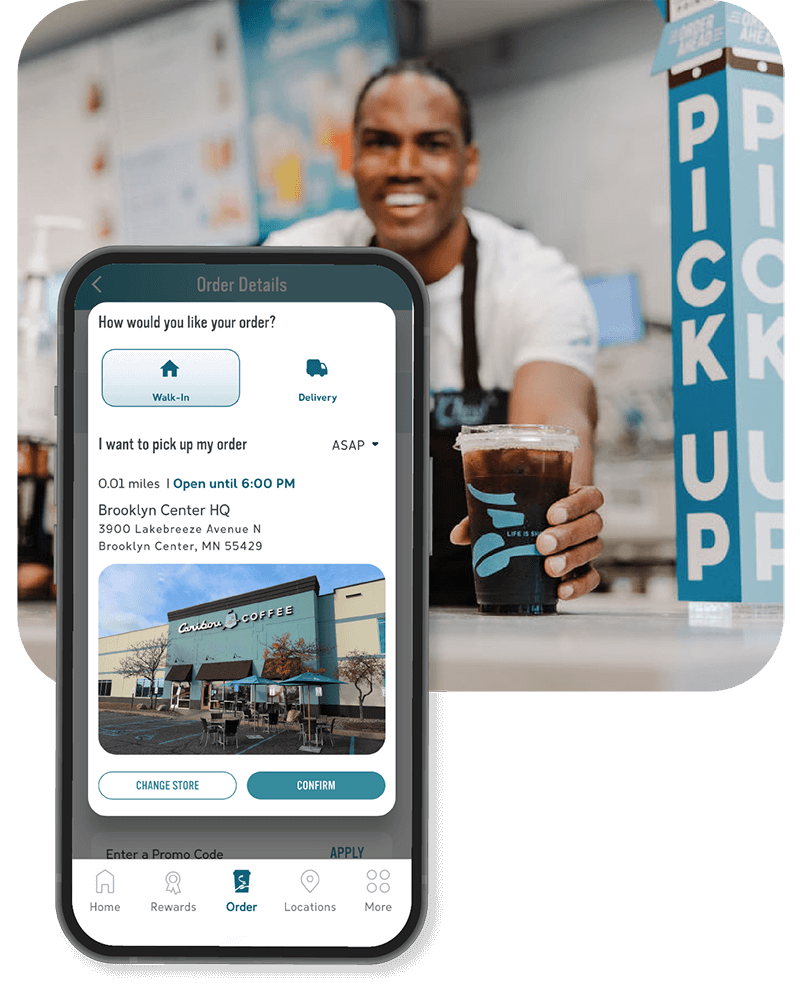
Easy to pick up
Choose from in-store, drive-thru or curbside—whatever’s easiest for you.
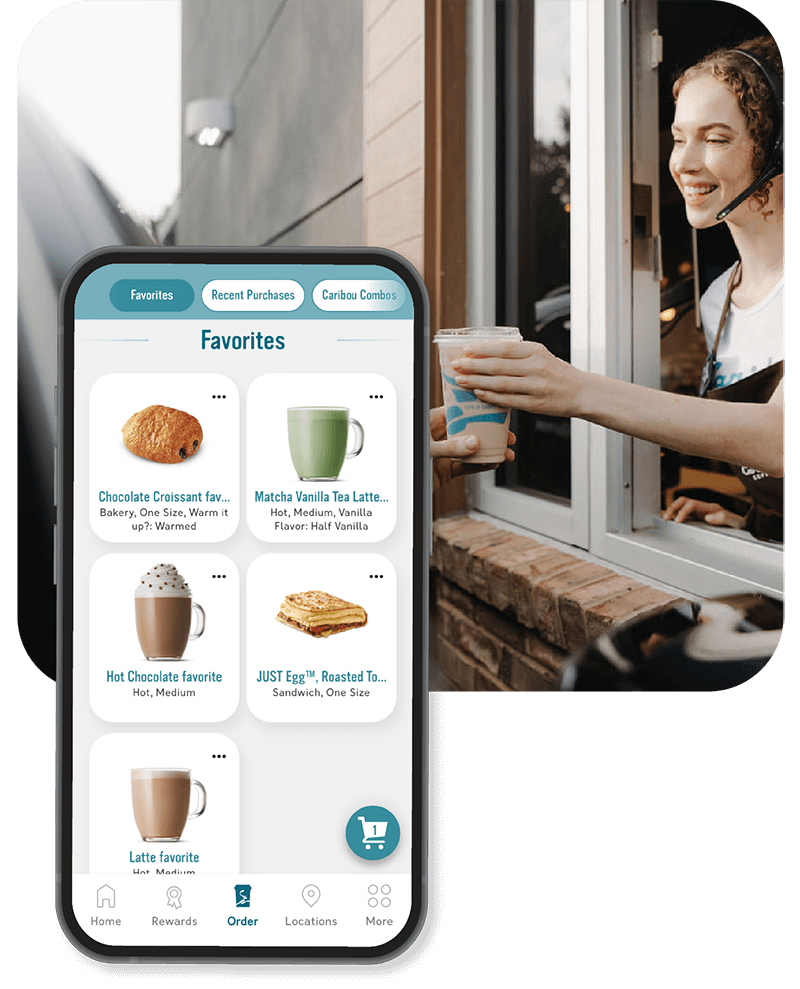
Easy to repeat tomorrow
Favorite your order so next time it’s even faster.
Do it your way
See how simple it is to customize your drink, save your favorites and re-order again tomorrow.
Do I need to be logged in to order?
No, you do not need to be logged in to order, however, you do not earn points towards a reward or experience all features of the Caribou Coffee app.
Do I need to pay in the app with my Caribou Card?
No, you can use multiple different ways to pay. You can still use your Caribou card to pay, but also can pay with your stored credit card, add a new credit card or you can use apple pay.
How do I favorite an item in the app?
You can easily save your favorite Caribou Coffee item. Go to ‘Order’ and build your favorite item with your specific customizations and ‘Add to Order.’ Once you are in order details, you can select the heart to the left of your favorite item and the next time you go to ‘Order’ your favorites will appear first.
How do I favorite a location in the app?
You can easily save your favorite Caribou Coffee store. Go to ‘Locations’ and search for your favorite location in the nearby section. Once the location appears, select the heart on the right of the location; you will see this fills the heart. You will see this location appear on the favorites section. Once you have a location favorited, you will be able to personalize the location name by selecting the pencil and changing the name.
How do I redeem and apply rewards in the app?
You can apply rewards to your order prior to check-out by going to ‘Rewards’ and selecting a reward and ‘Add to Order.’ If you have a cart already, the ‘Order Details’ page will also suggest rewards to use before you check out.
How do I check-in with the Caribou Coffee app?
You can easily use your app to check in and pay in-store. Once you are signed into the app, navigate to the Check In icon at the bottom of the app screen. A bar code with your Caribou Card or account balance will appear. This is also where the Perk code is found.
How do I update my account in the Caribou Coffee app?
Navigate to the ‘More’ tab and then select:
- ‘Update Profile’ to update your personal information.
- ‘Add Funds’ to add funds to your Caribou card.
- ‘Payment Options’ to manage your Caribou card and stored credit card.
- ‘Delete Account’ to submit a request for your Caribou Perks account to be deleted.
How do I view a menu when my store is closed?
If you are attempting to view the menu, but your store is closed, please view our menu online. Please note, that product inventory is determined at the store level. View our menu.
How do I reset my password?
If you are attempting to log into the mobile app/your Caribou Perks account and can’t remember your password, you can reset your password from the login screen. An email will be sent asking you to reset your password for security purposes. If you are already logged into the app, you can change or update your password from the ‘Update Profile’ section found by navigating to the ‘More’ tab.
I tried adding funds from my credit card to the Caribou Coffee App, but I am not seeing them loaded to my current balance. What’s going on?
If you have tried to load funds from your credit/debit card onto the mobile app, but are not seeing your balance change, please check that you have the correct billing information in the app. Funds cannot be added if we do not have accurate billing information. Pending charges may take up to 30 days to reverse. For further questions, please contact Guest Relations online, via [email protected], by calling 1.888.227.4268 or via chat.
What can I use the Caribou Coffee app for?
The Caribou Coffee app makes it easy to track and redeem your points for rewards. Plus, you can save your favorite locations and orders, customize your drink, and order ahead (or get it delivered), all with just a few taps.
Do I need to be logged in to order?
No, you do not need to be logged in to order, however, you do not earn points towards a reward or experience all features of the Caribou Coffee app.
Do I need to pay in the app with my Caribou Card?
No, you can use multiple different ways to pay. You can still use your Caribou card to pay, but also can pay with your stored credit card, add a new credit card or you can use apple pay.
How do I favorite an item in the app?
You can easily save your favorite Caribou Coffee item. Go to ‘Order’ and build your favorite item with your specific customizations and ‘Add to Order.’ Once you are in order details, you can select the heart to the left of your favorite item and the next time you go to ‘Order’ your favorites will appear first.
How do I favorite a location in the app?
You can easily save your favorite Caribou Coffee store. Go to ‘Locations’ and search for your favorite location in the nearby section. Once the location appears, select the heart on the right of the location; you will see this fills the heart. You will see this location appear on the favorites section. Once you have a location favorited, you will be able to personalize the location name by selecting the pencil and changing the name.
How do I redeem and apply rewards in the app?
You can apply rewards to your order prior to check-out by going to ‘Rewards’ and selecting a reward and ‘Add to Order.’ If you have a cart already, the ‘Order Details’ page will also suggest rewards to use before you check out.
How do I check-in with the Caribou Coffee app?
You can easily use your app to check in and pay in-store. Once you are signed into the app, navigate to the Check In icon at the bottom of the app screen. A bar code with your Caribou Card or account balance will appear. This is also where the Perk code is found.
How do I update my account in the Caribou Coffee app?
Navigate to the ‘More’ tab and then select:
- ‘Update Profile’ to update your personal information.
- ‘Add Funds’ to add funds to your Caribou card.
- ‘Payment Options’ to manage your Caribou card and stored credit card.
- ‘Delete Account’ to submit a request for your Caribou Perks account to be deleted.
How do I view a menu when my store is closed?
If you are attempting to view the menu, but your store is closed, please view our menu online. Please note, that product inventory is determined at the store level. View our menu.
How do I reset my password?
If you are attempting to log into the mobile app/your Caribou Perks account and can’t remember your password, you can reset your password from the login screen. An email will be sent asking you to reset your password for security purposes. If you are already logged into the app, you can change or update your password from the ‘Update Profile’ section found by navigating to the ‘More’ tab.
I tried adding funds from my credit card to the Caribou Coffee App, but I am not seeing them loaded to my current balance. What’s going on?
If you have tried to load funds from your credit/debit card onto the mobile app, but are not seeing your balance change, please check that you have the correct billing information in the app. Funds cannot be added if we do not have accurate billing information. Pending charges may take up to 30 days to reverse. For further questions, please contact Guest Relations online, via [email protected], by calling 1.888.227.4268 or via chat.
What can I use the Caribou Coffee app for?
The Caribou Coffee app makes it easy to track and redeem your points for rewards. Plus, you can save your favorite locations and orders, customize your drink, and order ahead (or get it delivered), all with just a few taps.